BABY Staking via Web
A step by step guide to staking BABY tokens on the Babylon Genesis mainnet using the web.
Prerequisites
Before you begin, make sure you have:
- a crypto wallet compatible with the BABY Staking Website installed on your browser
- a Babylon Genesis mainnet wallet created
- acquired BABY tokens
Step by Step Guide
1. Access the BABY Staking Website
Open the BABY Staking website:
https://staking.babylonlabs.io/baby
2. Connect Wallet
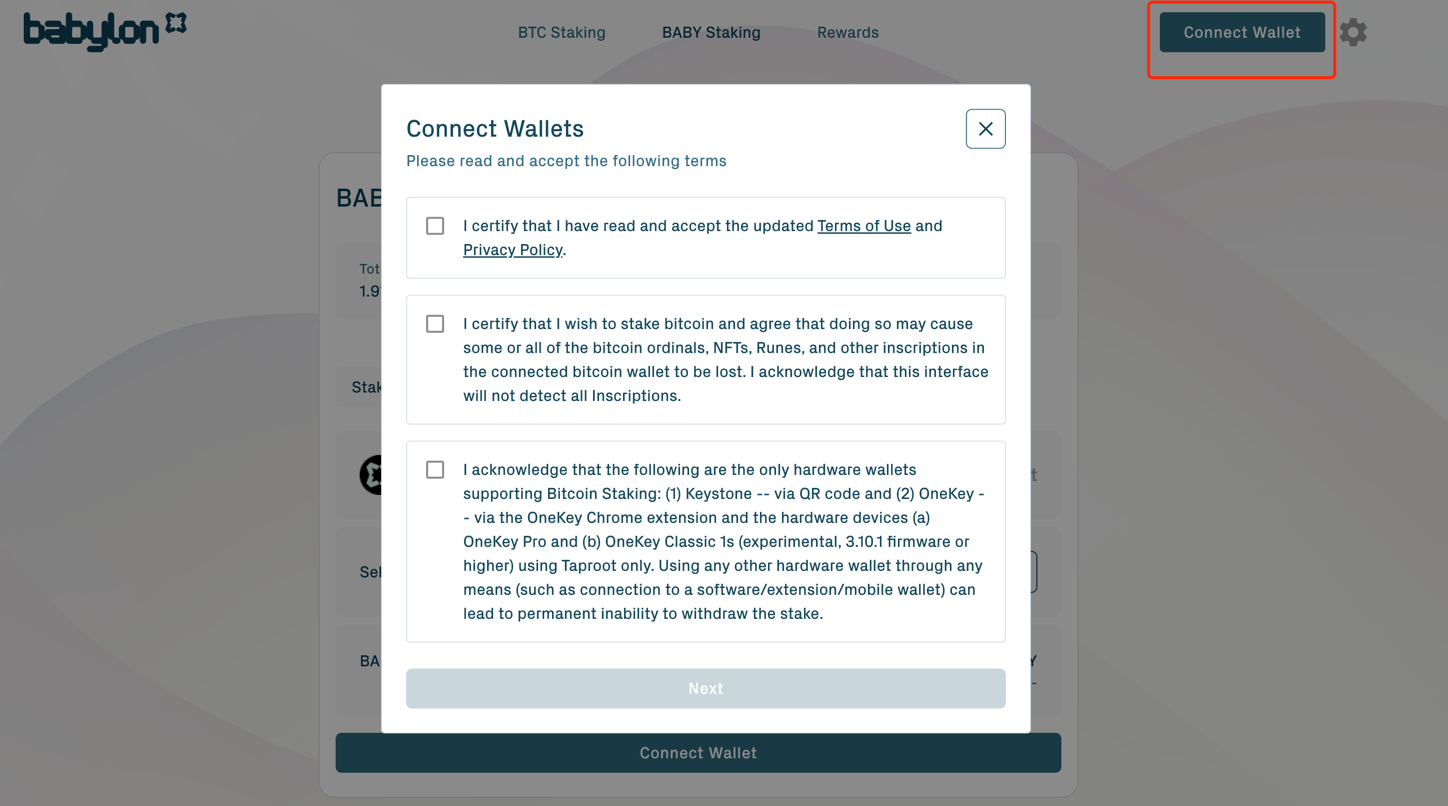
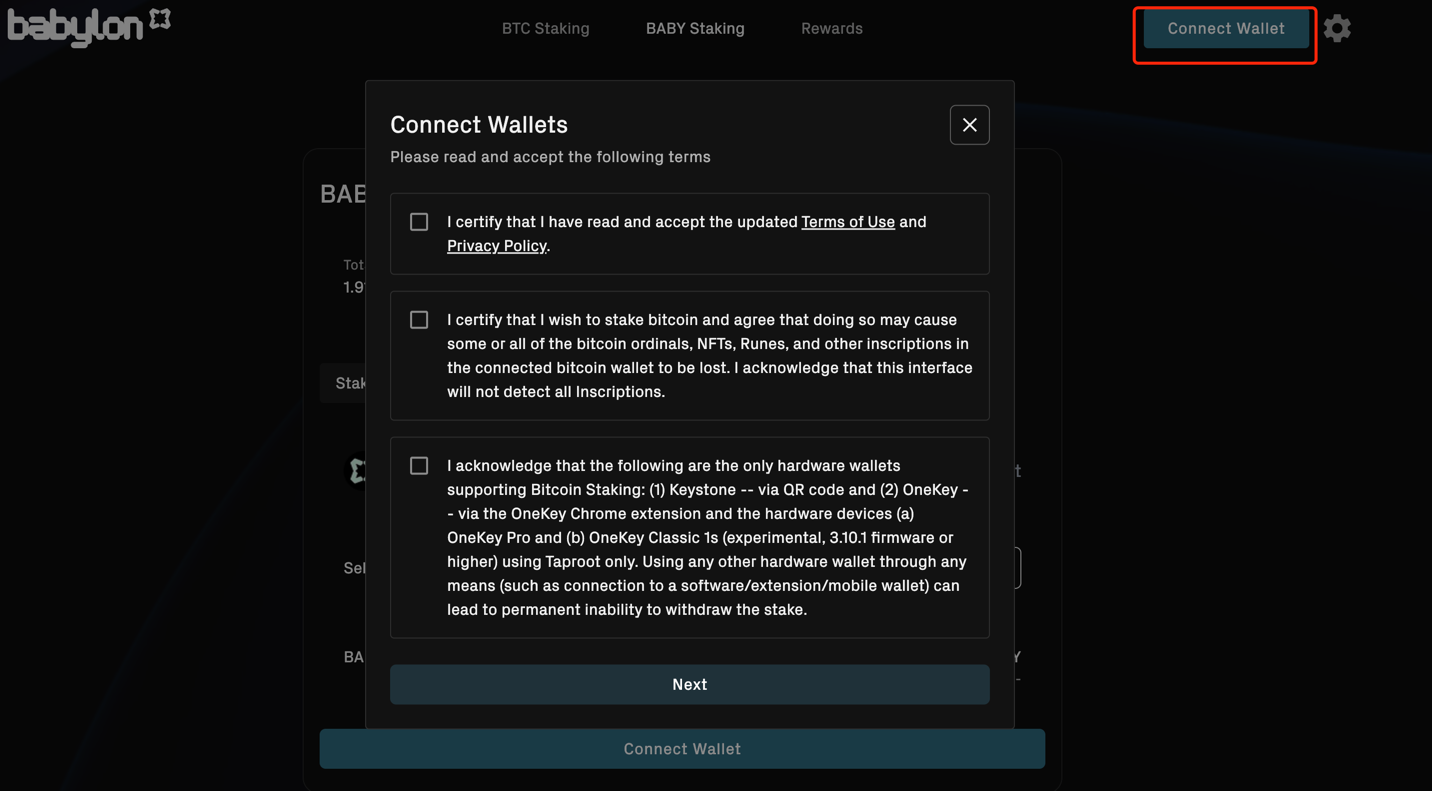
2.1 Click Connect Wallet 2.2 Read and accept the terms
2.3 Select Babylon Chain Wallet
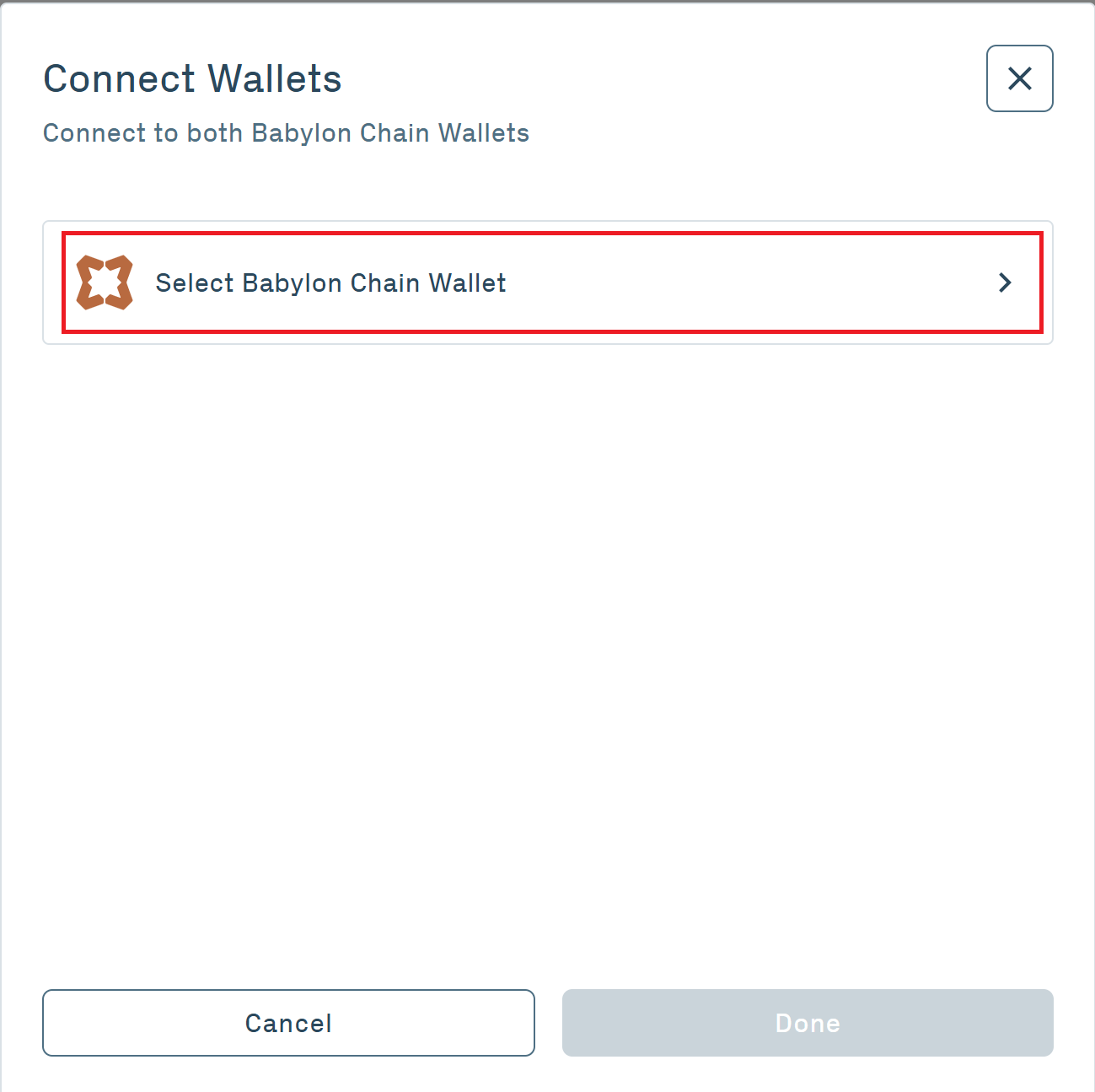
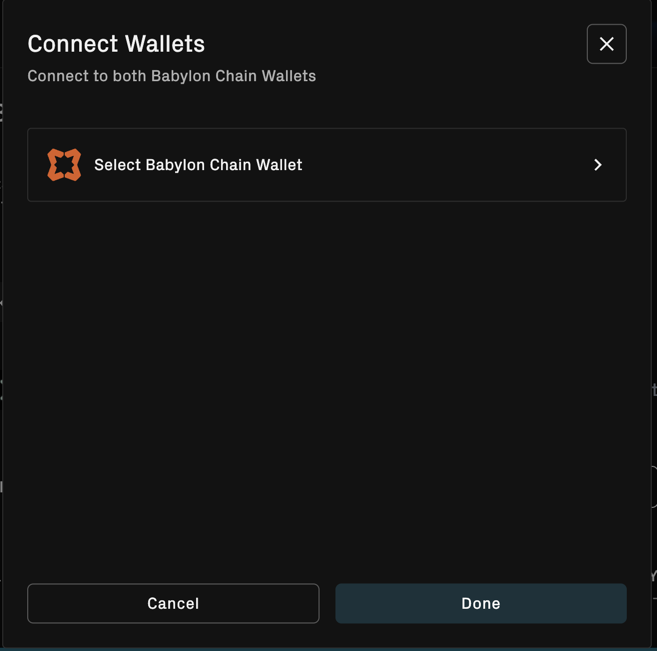
2.4 Connect a Babylon Chain Wallet
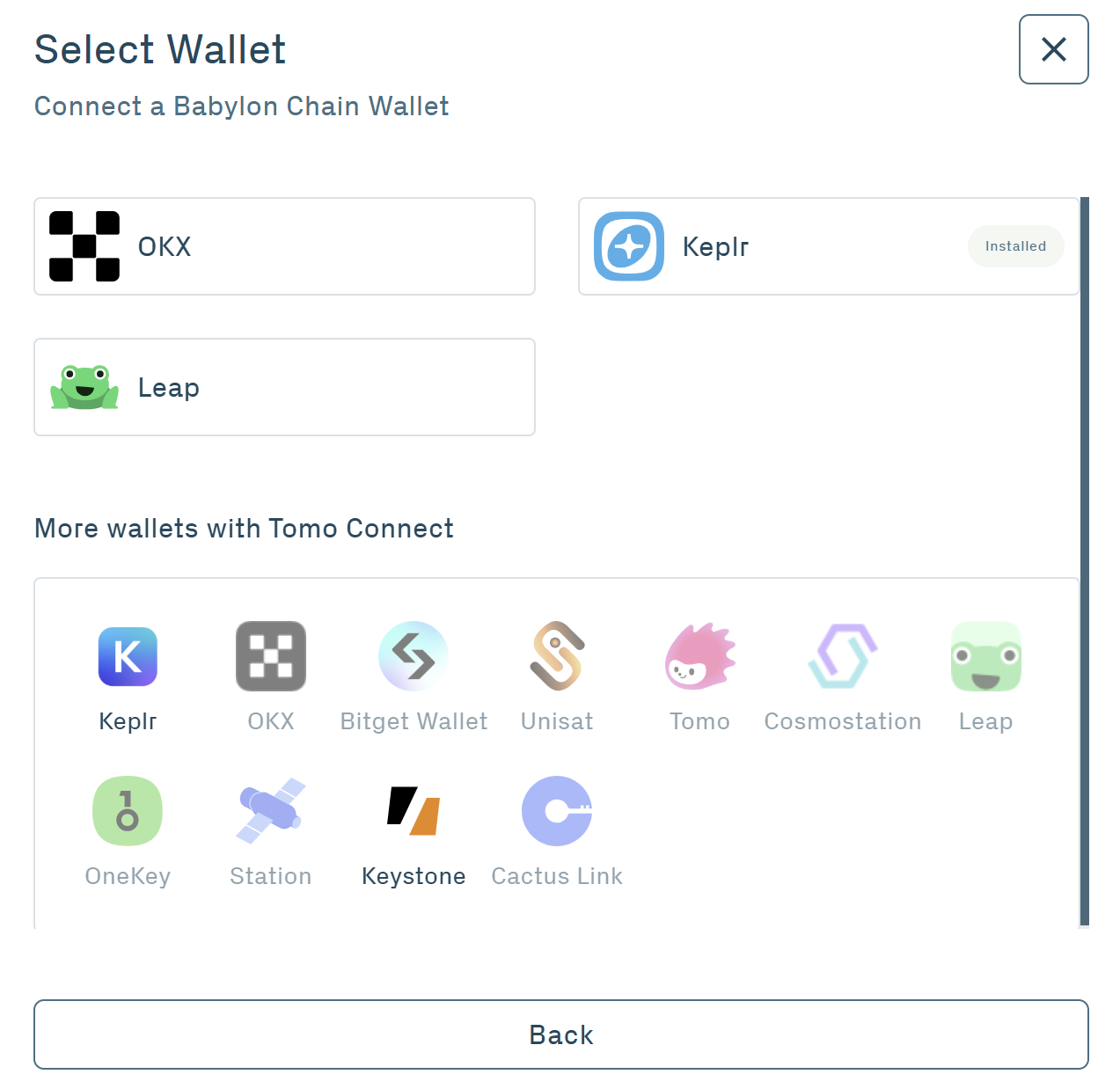
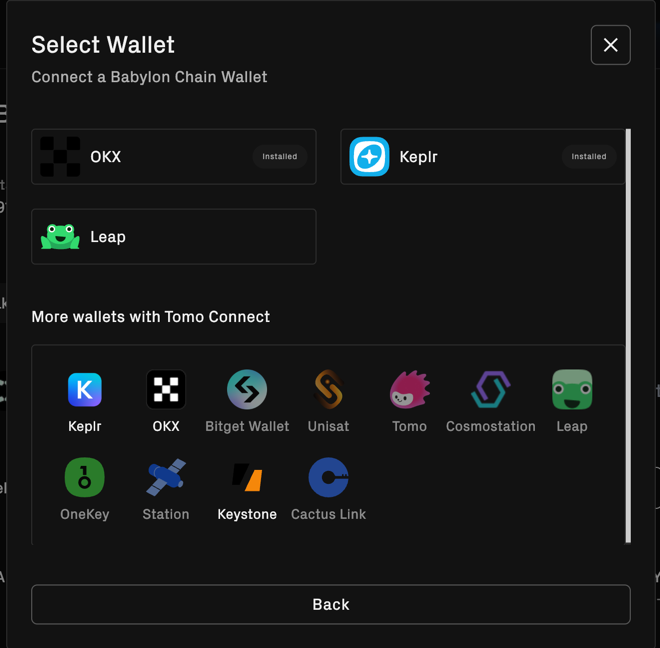
3. Enter Staking Amount
Enter the amount of BABY tokens you want to stake.
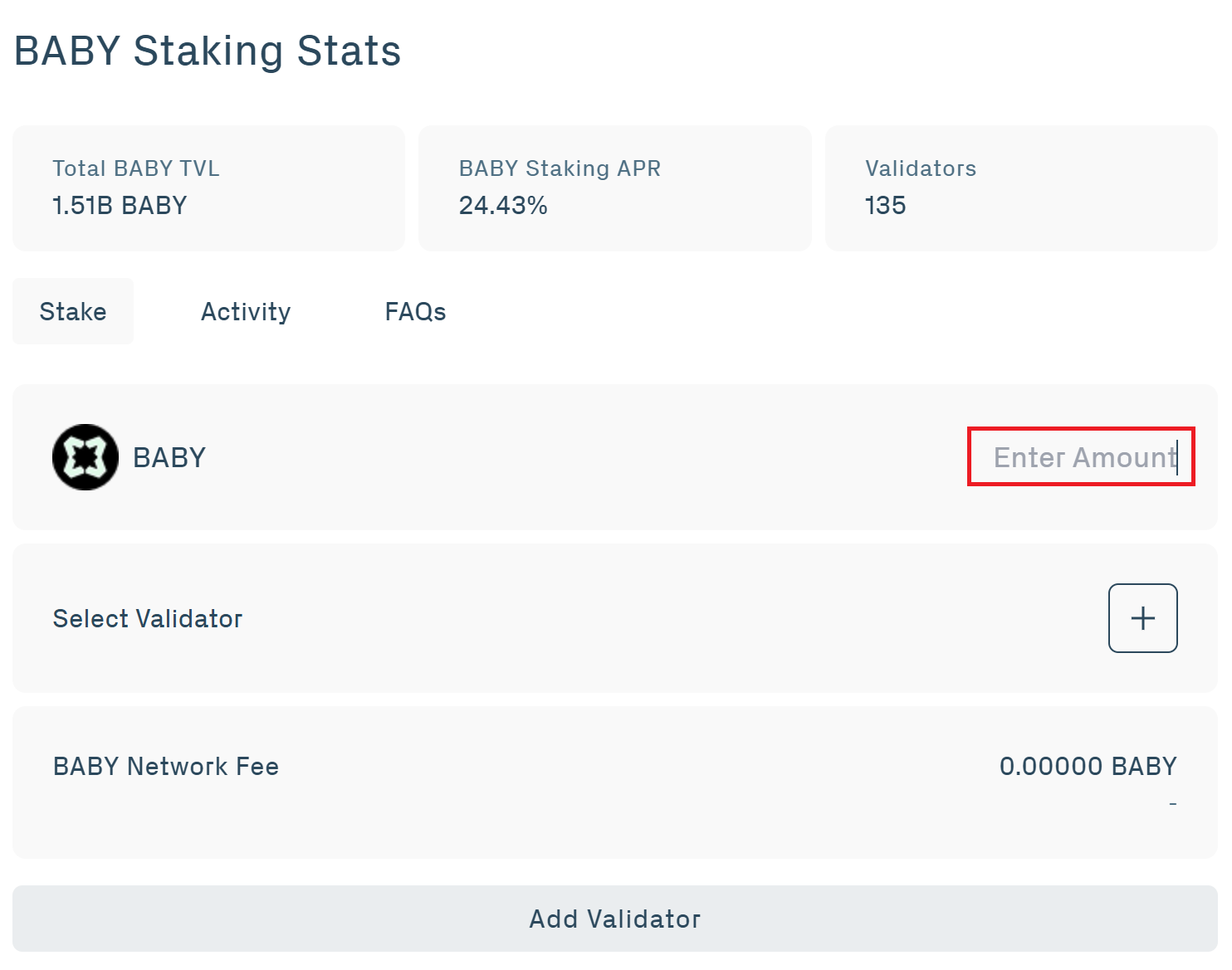
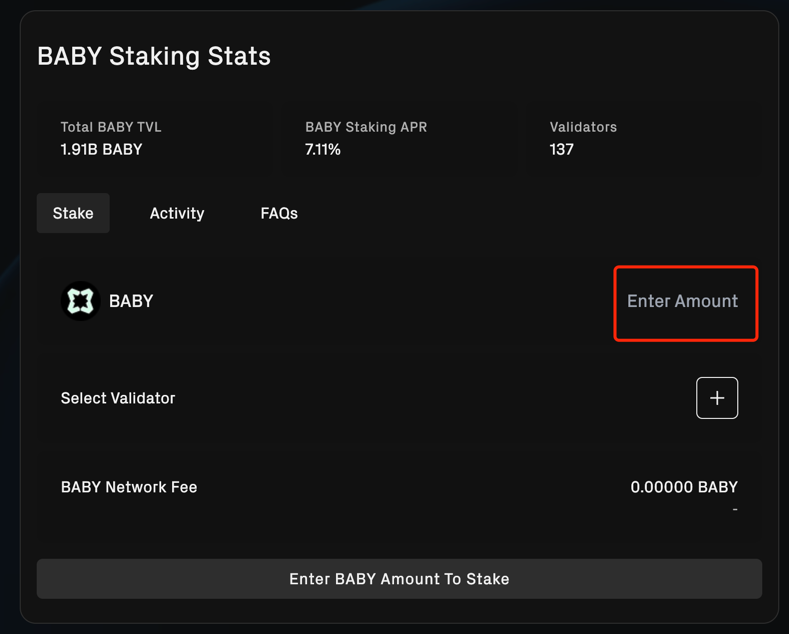
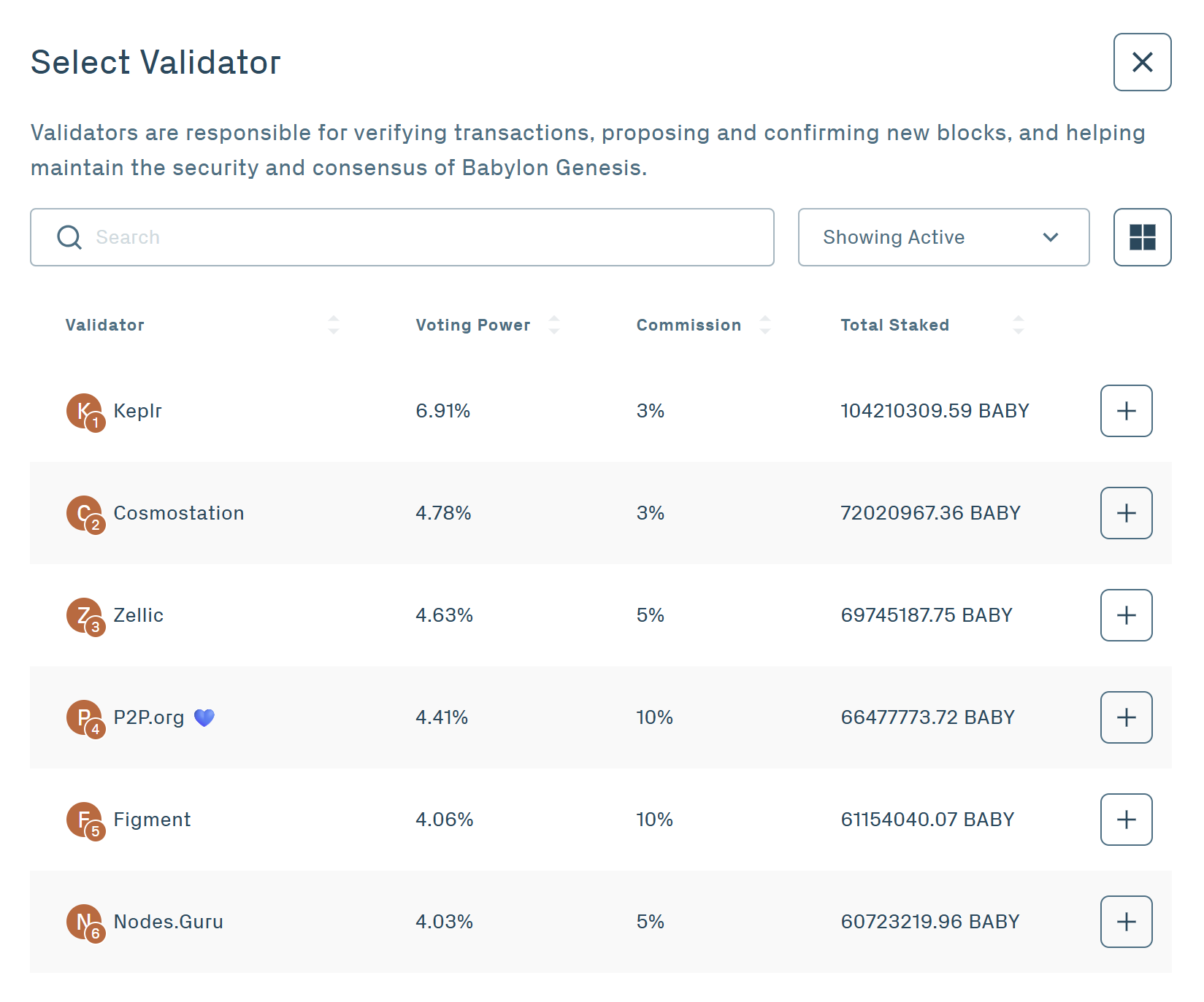
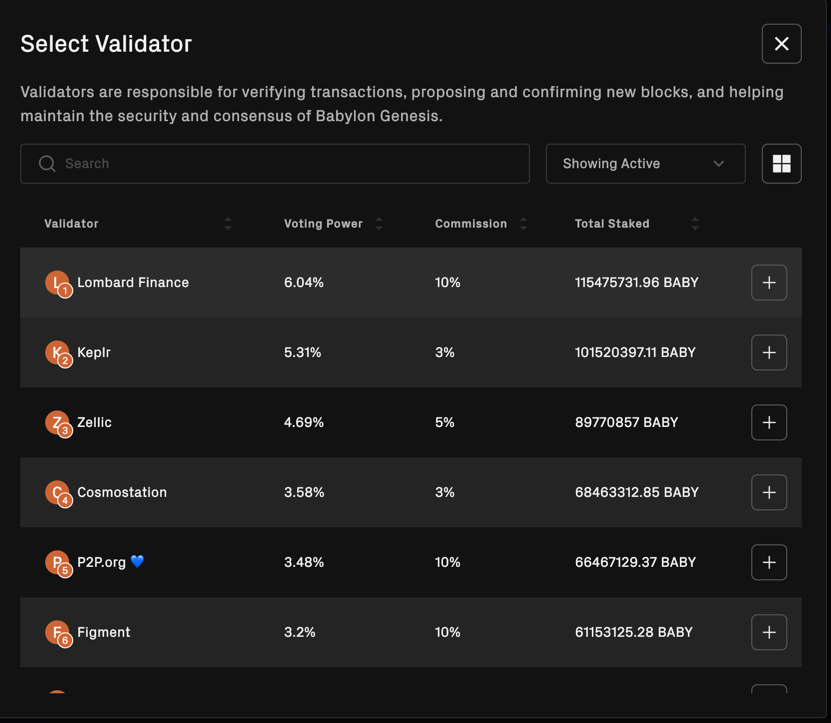
4. Choose a Validator
4.1 Click the plus sign on Select Validator
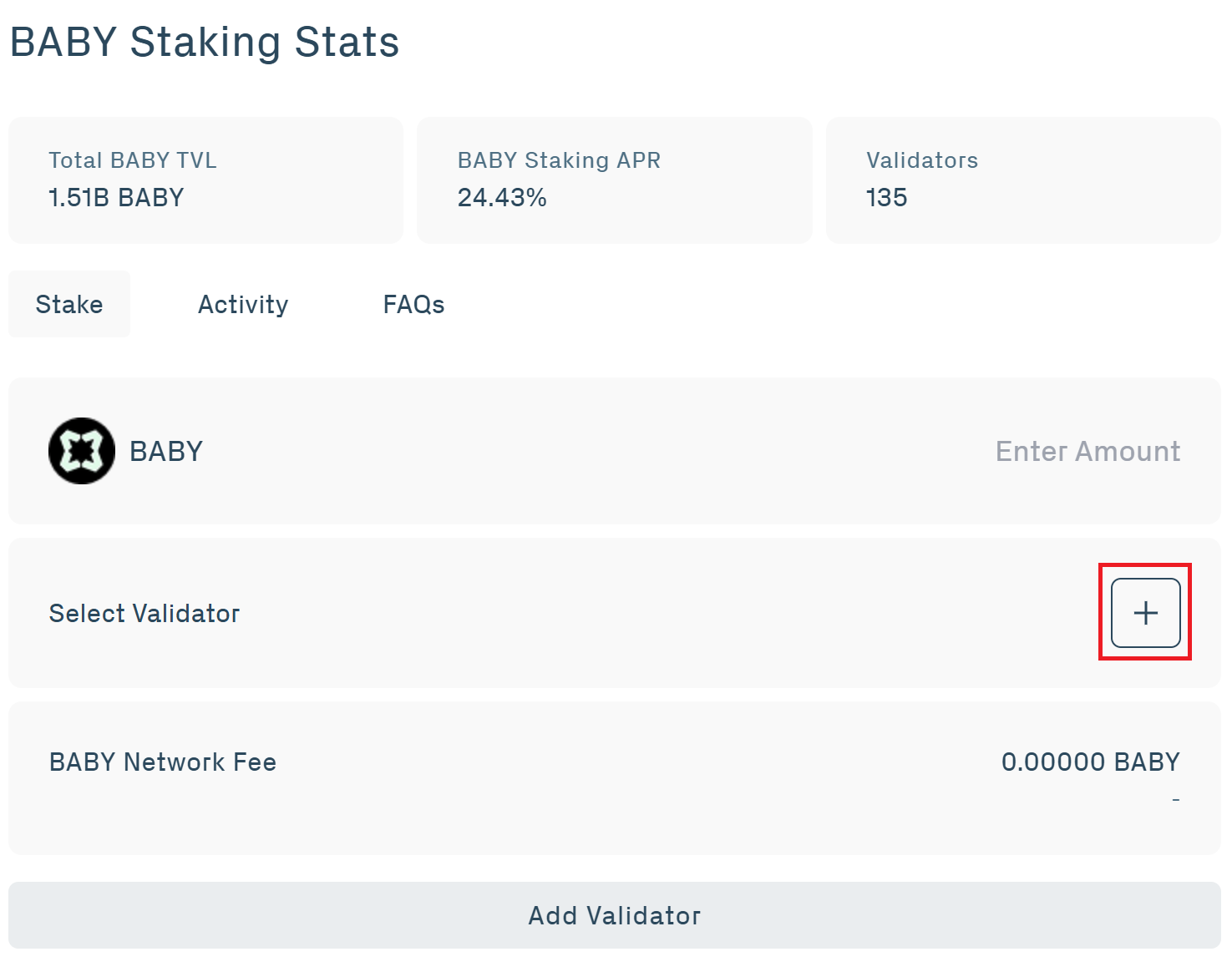
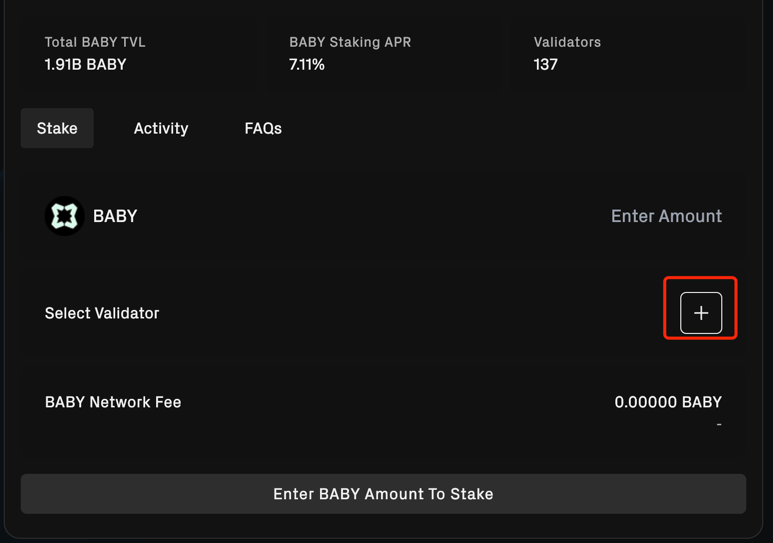
4.2 Validators verify transactions, propose and confirm new blocks, and help maintain the security and consensus of Babylon Genesis. Here, you can view the Validator name, Voting Power, Commission, and Total Staked. You can also use the dropdown to filter Active, Inactive, Jailed, and Slashed Validators. Select your chosen Validator.
5. Preview Your Transaction
You will see an overview of your transaction, including Validator, Stake Amount, and Transaction Fees.
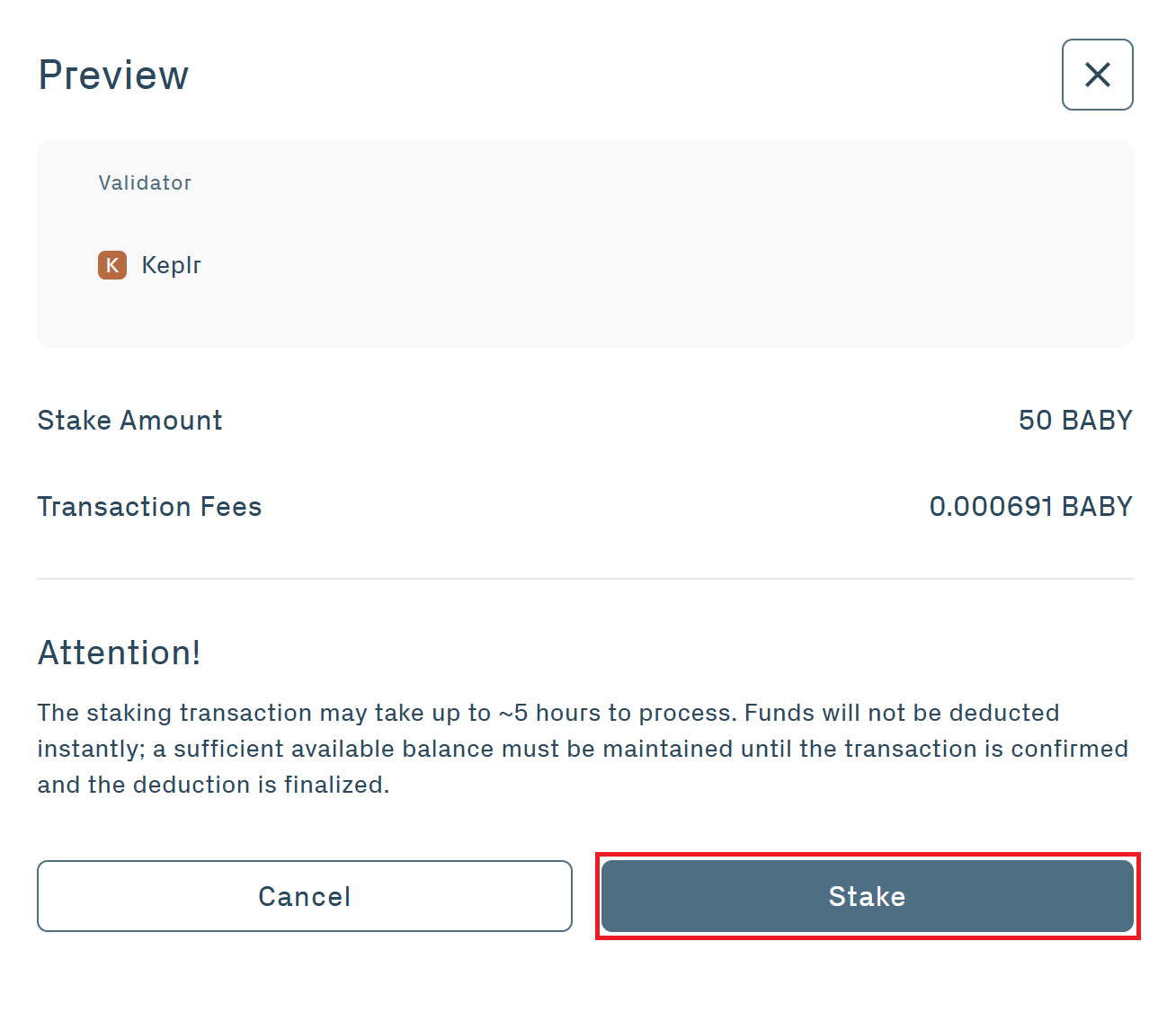
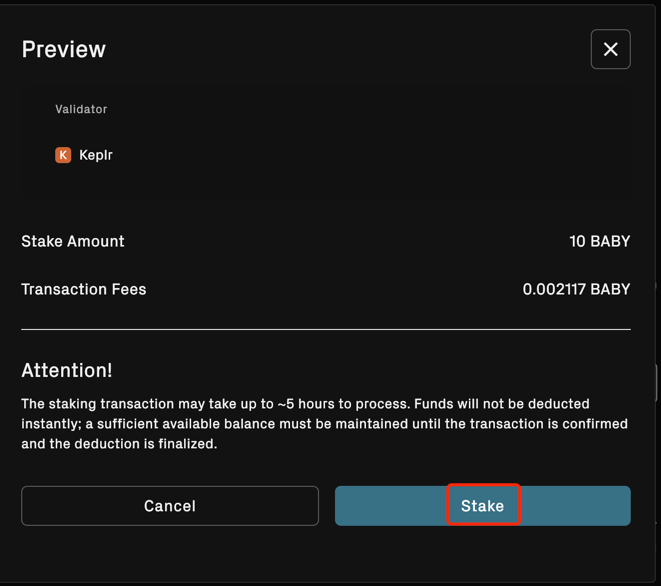
Please note: The staking transaction may take up to about five hours to process. Funds will not be deducted instantly and a sufficient available balance must be maintained until the transaction is confirmed and the deduction is finalized.
6. Stake
6.1 Click Stake
6.2 Approve your transaction in your web wallet
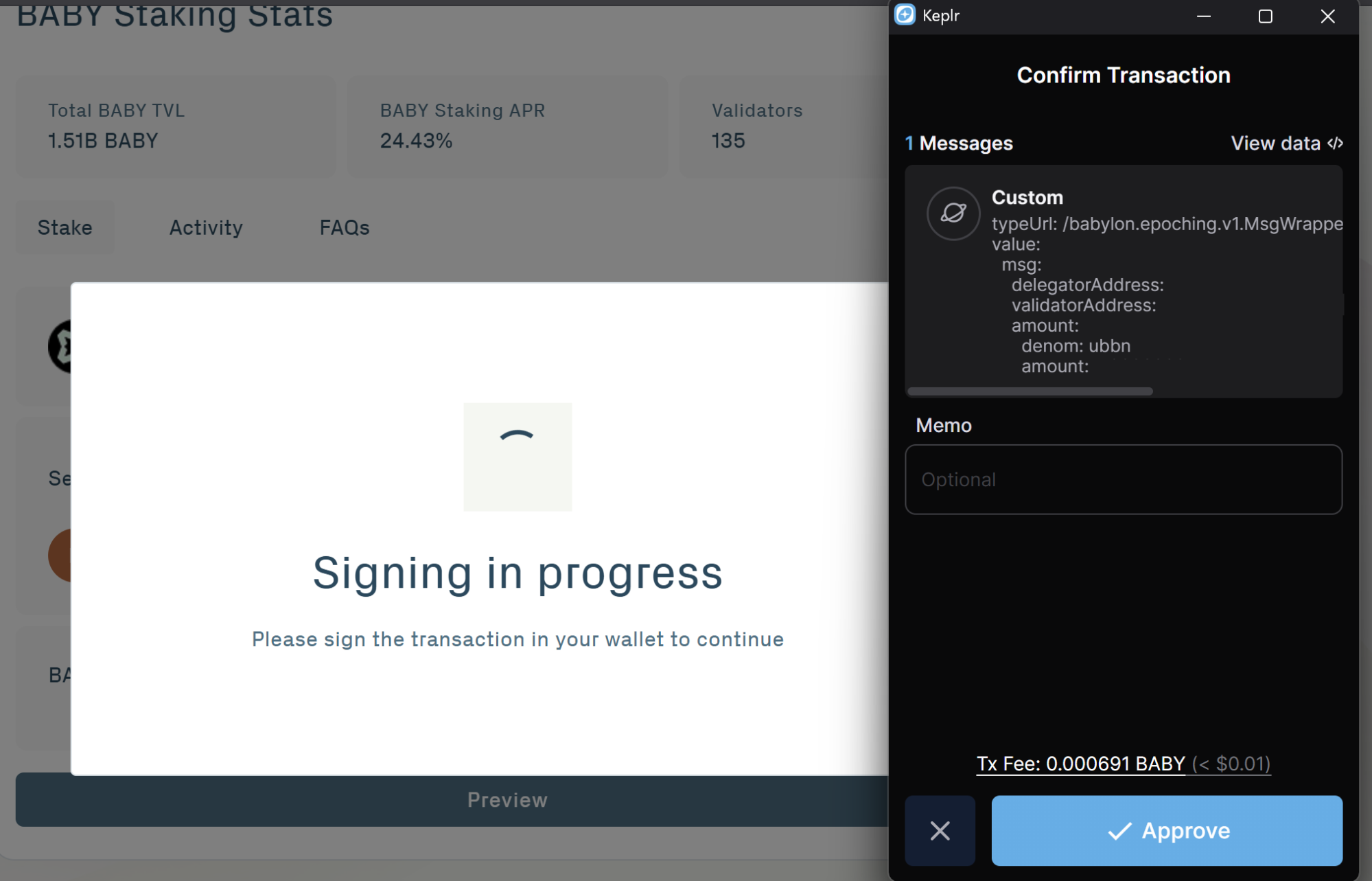
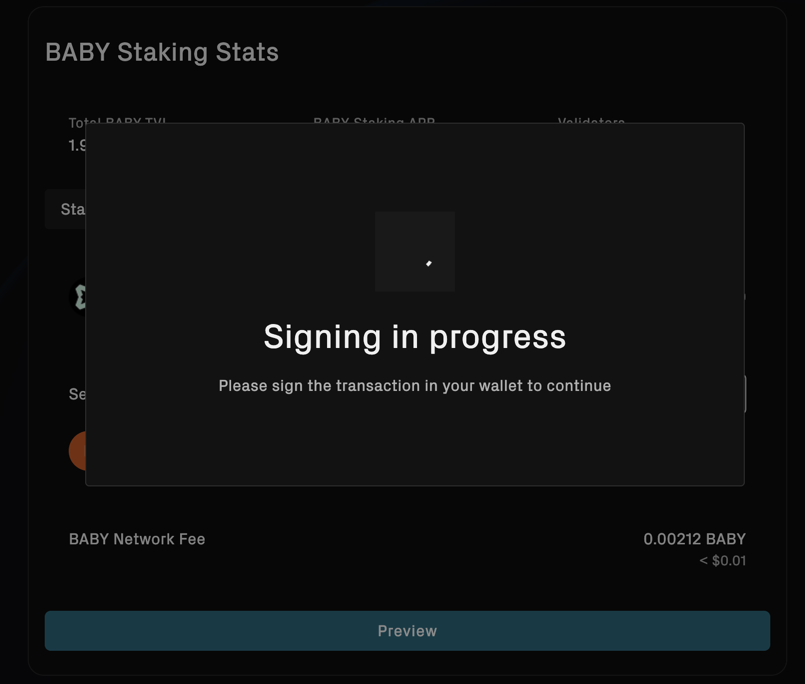
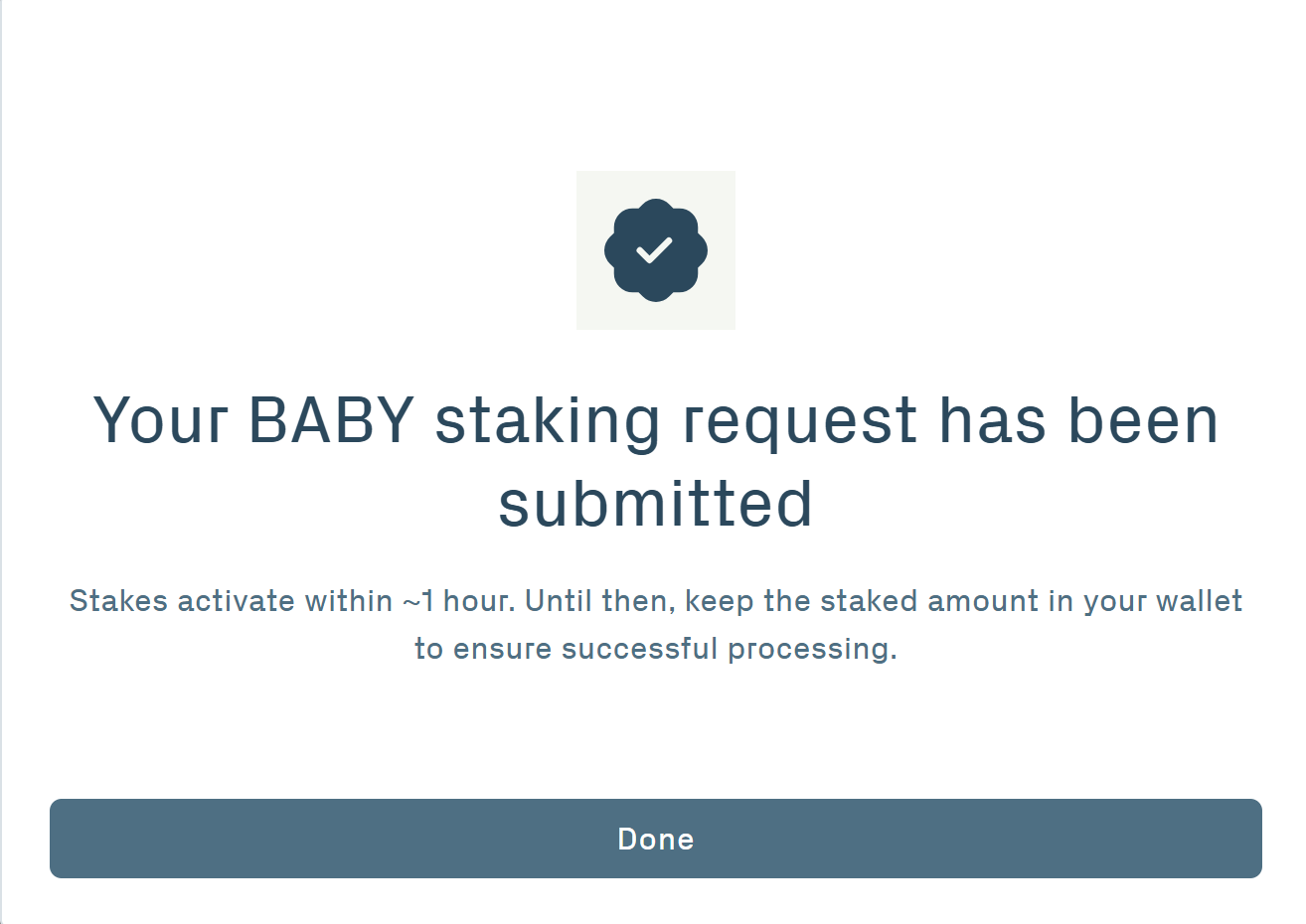
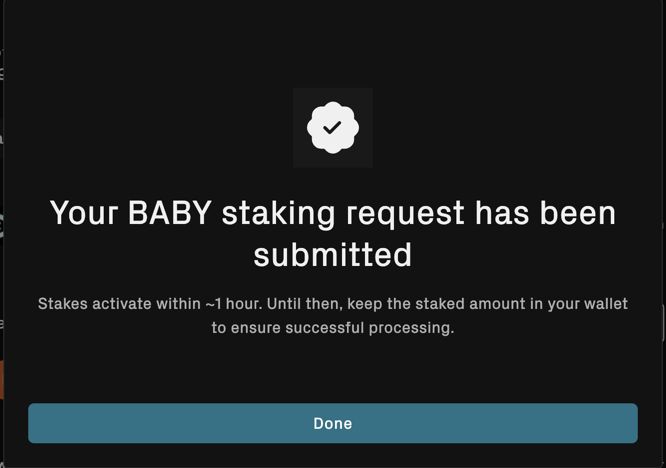
6.3 Your BABY staking request has been submitted. Stakes activate within about one hour. Until activation is complete, keep the staked amount in your wallet to ensure successful processing.
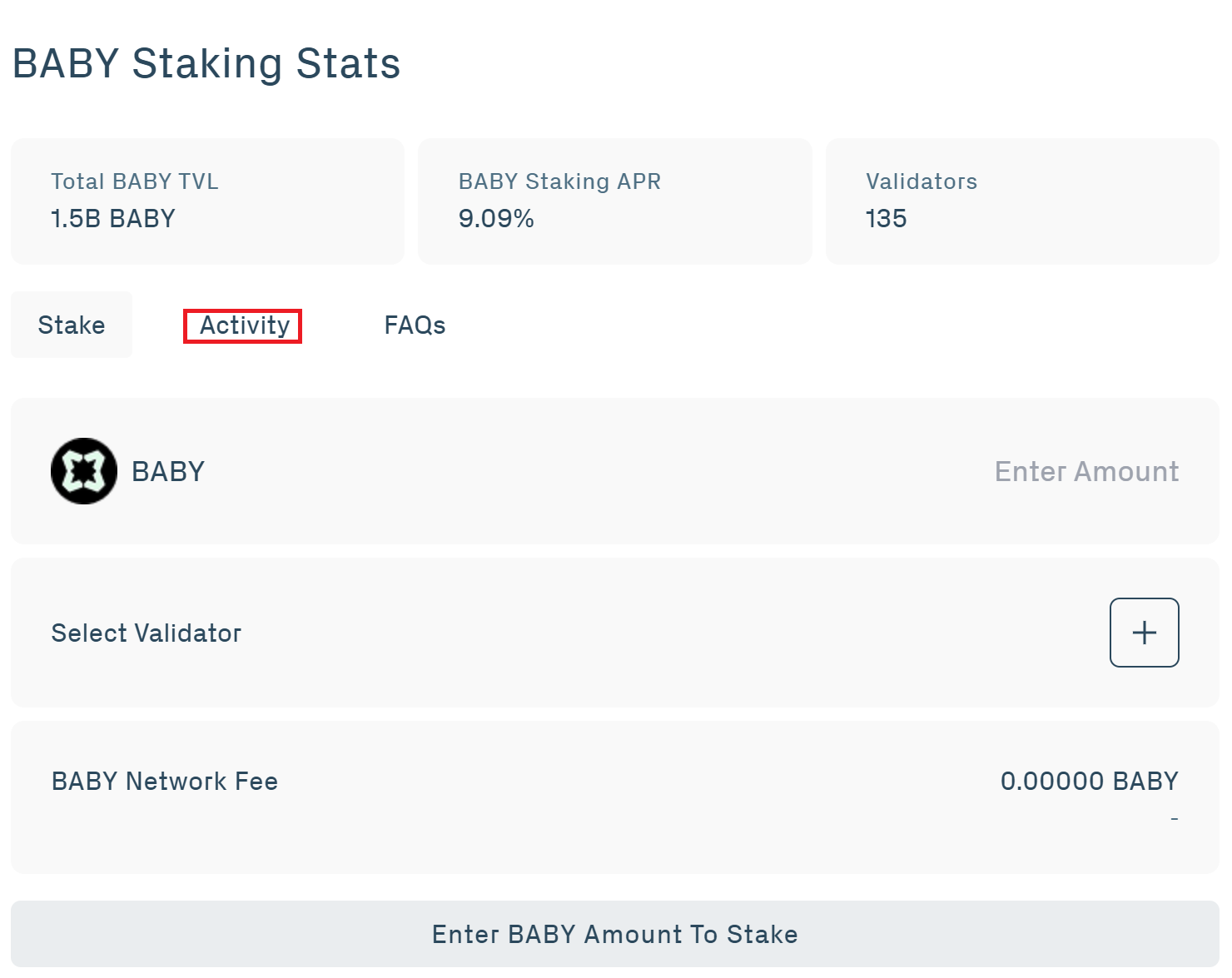
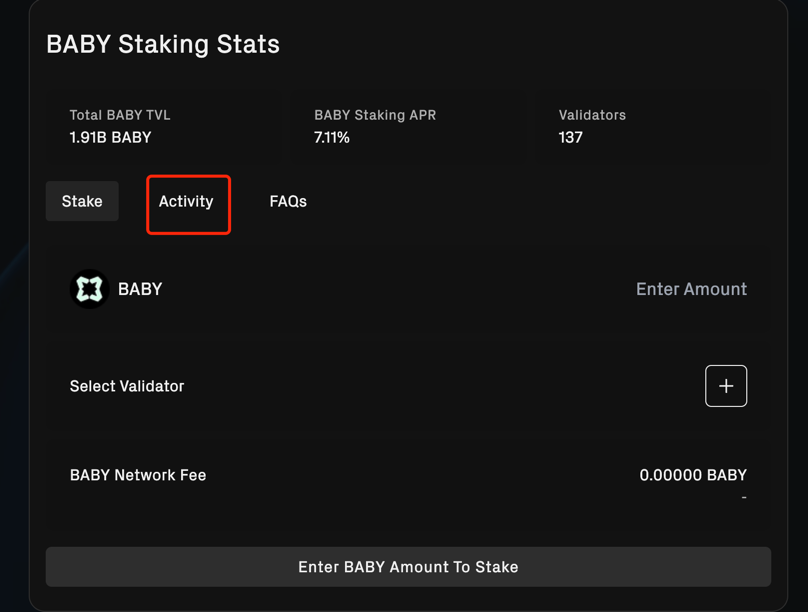
7. Activity
7.1 Check periodically to see if your staking has started.
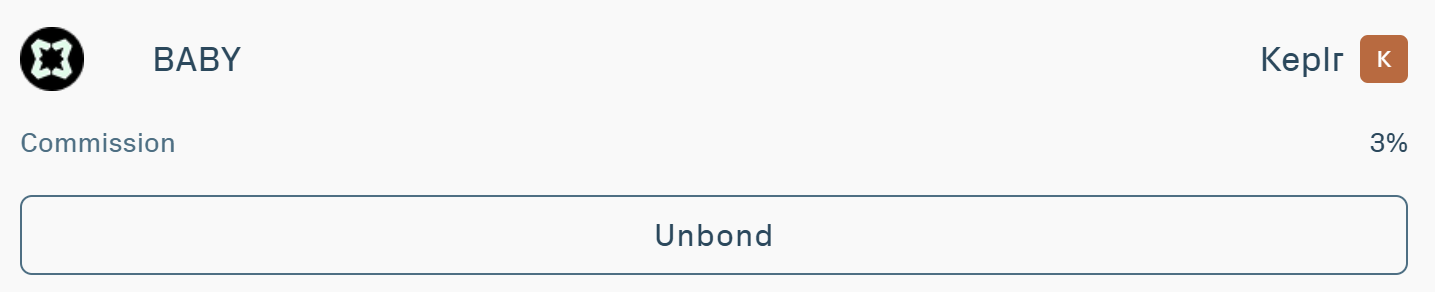
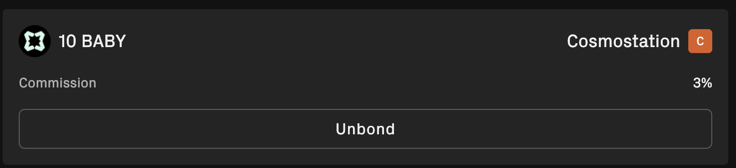
7.2 You are now staking BABY via the web dapp!
8. Claiming Rewards
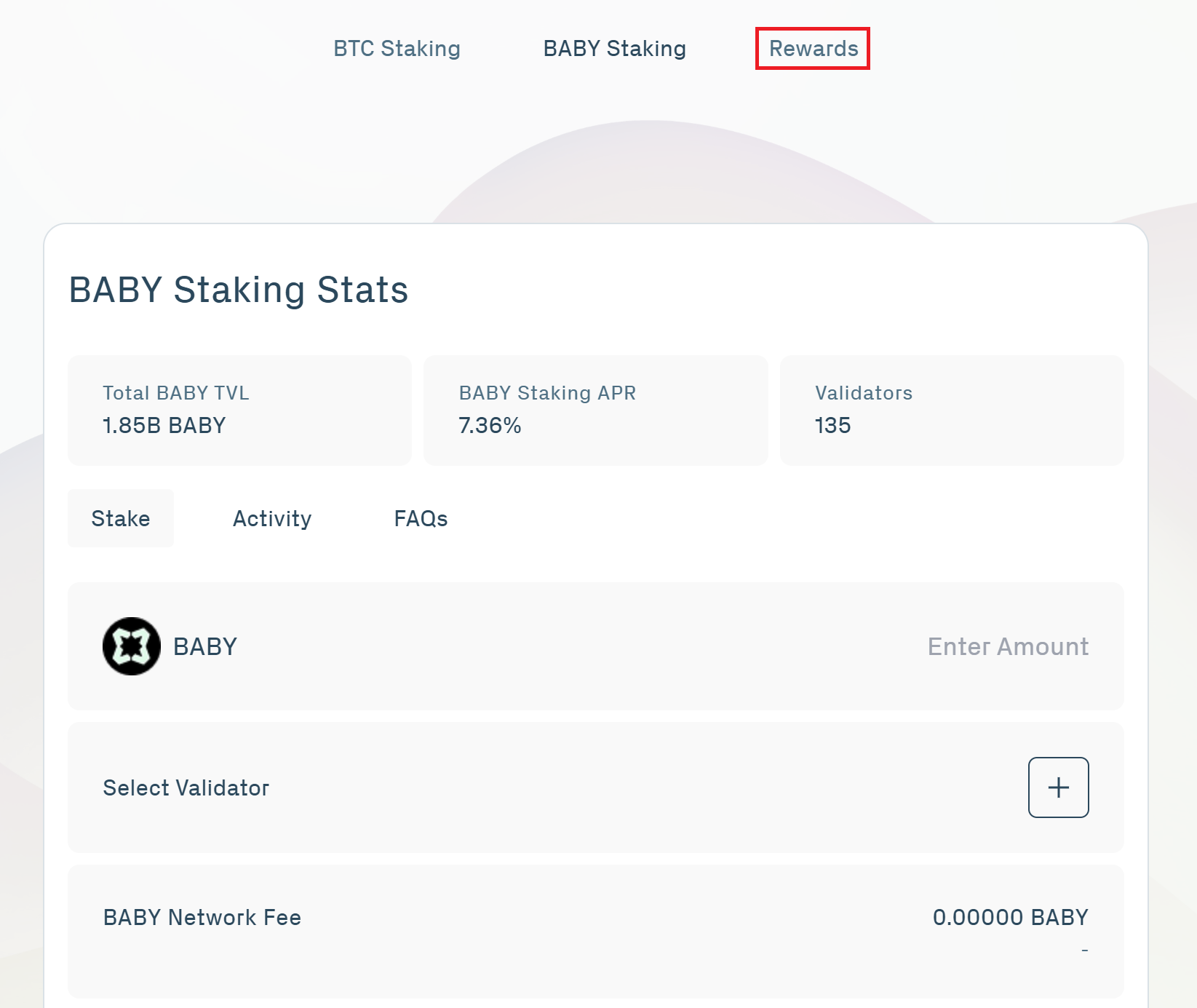
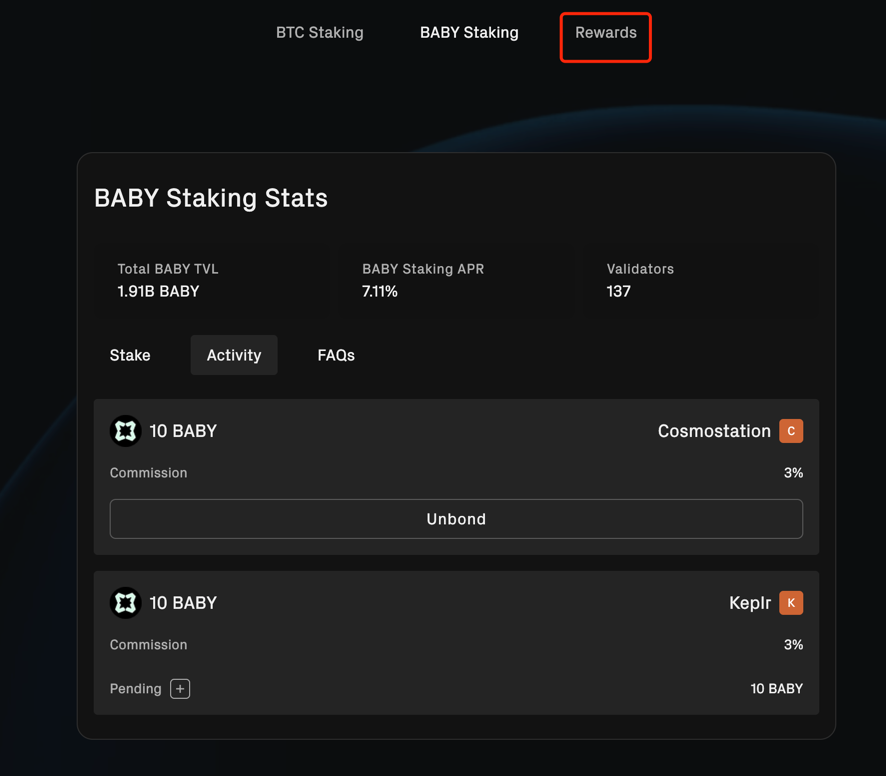
8.1 Click Rewards at the top of the page.
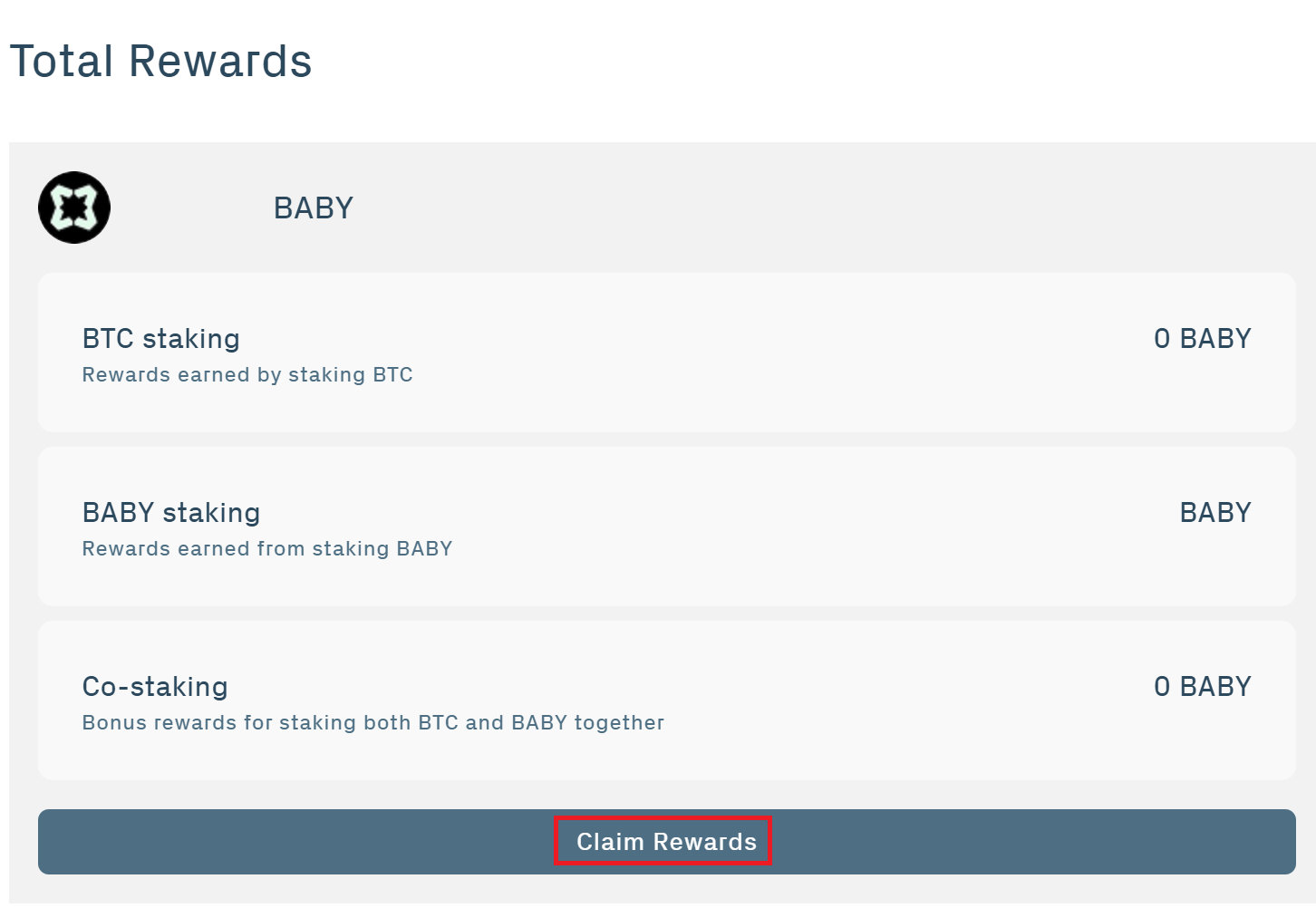
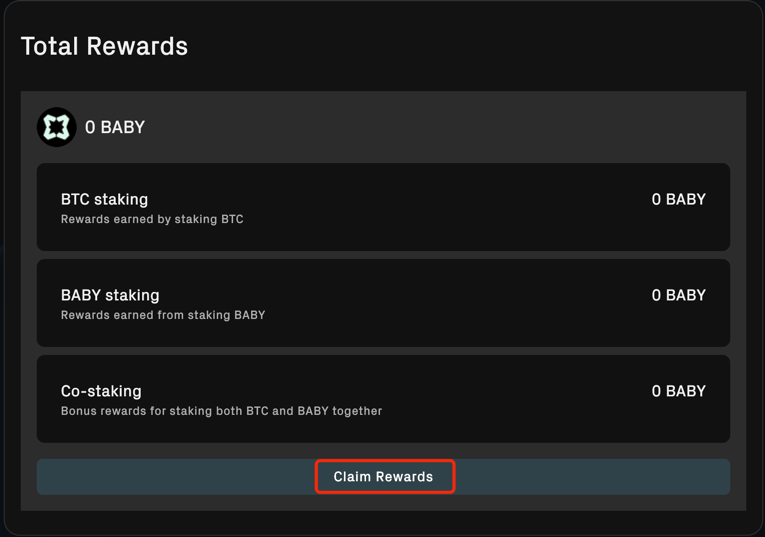
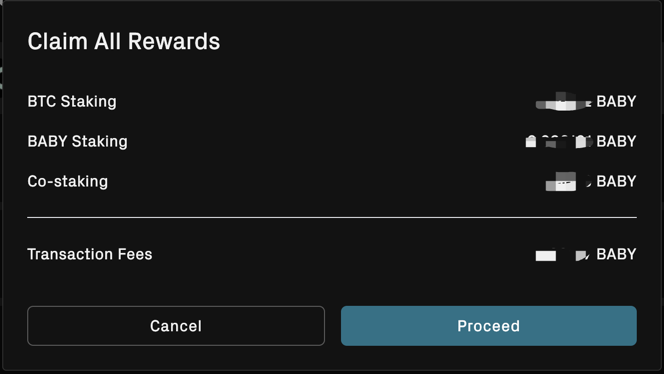
8.2 You will see your BABY rewards for BTC Staking, BABY Staking, and Co-Staking. Click Claim Rewards.
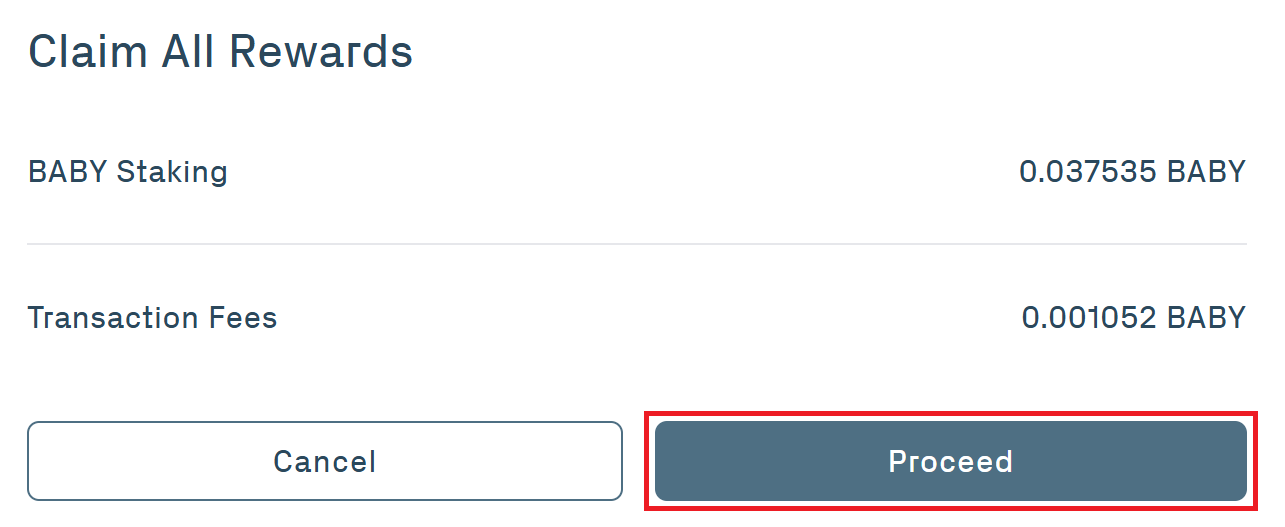
8.3 You will see your BABY Staking Rewards and the Transaction Fees. Click Proceed and Approve transaction with your web wallet.
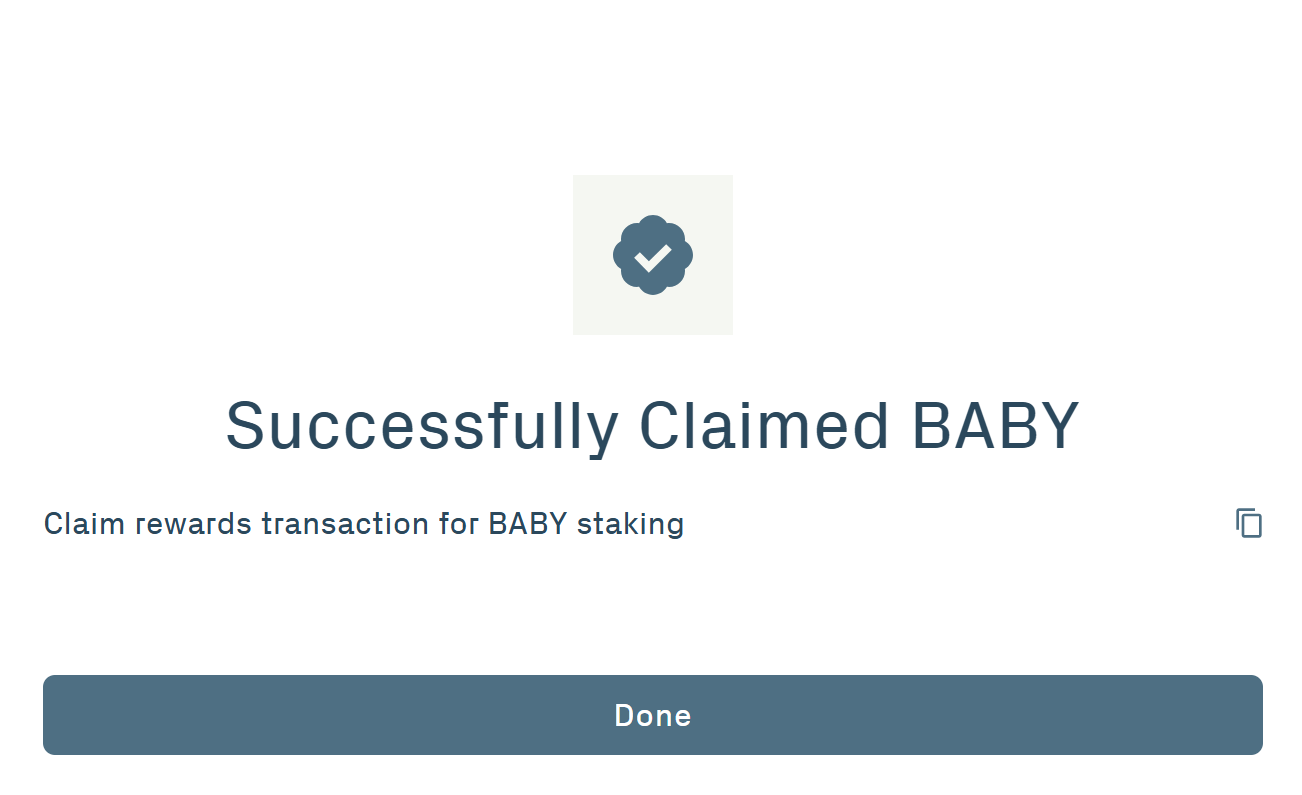
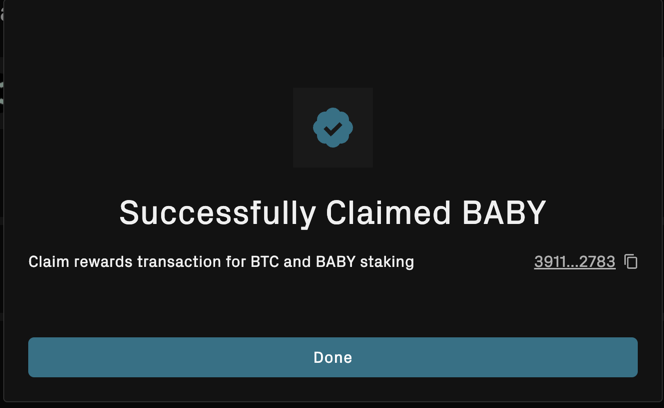
8.4 You will get confirmation that you have received your rewards.